


process

AI

figma

framer

How this portfolio got made; A series of deliberate calls, a few dead ends and one tool that surprised me. And naturally, AI was in the room the whole time. Scroll to read — or stay and play with gravity for a while.

How this portfolio got made; A series of deliberate calls, a few dead ends and one tool that surprised me. And naturally, AI was in the room the whole time.

01 — MVP

Starting in Figma, not on a template

Way back before Claude Design (a few months ago, so basically forever) I heard designers share their Figma space as a portfolio and it made sense. A template site would get me online faster, but building a prototype would show how I work and how I'd hand it off. Interactive components, animated details, the full picture. But it came with workarounds. I couldn't demonstrate responsive design, so I built a device selector instead.
02 — choosing the build tool

The learning curve that turned out to be a slope

I studied my options and decided to give Framer a shot. Three weeks of part-time building, watching tutorials and playing around — and the site you’re looking at was live. These animations were supposed to be 'too complex' to pull off without a full dev team, but Framer (and I!) proved them wrong.
03 — Where AI earned its place

Tool dead-ends and one win

I initially looked at Figma’s site builder as a way to turn my designs into code, but I rejected it without a blink. It didn't support custom fonts, and that's a no-go for a typo-nerd. Also, I tried Figma Make for animated assets. I prompted with components that had prototyped properties, and still, it couldn't deliver. The AI in Figma felt more like an add-on than an integrated tool.

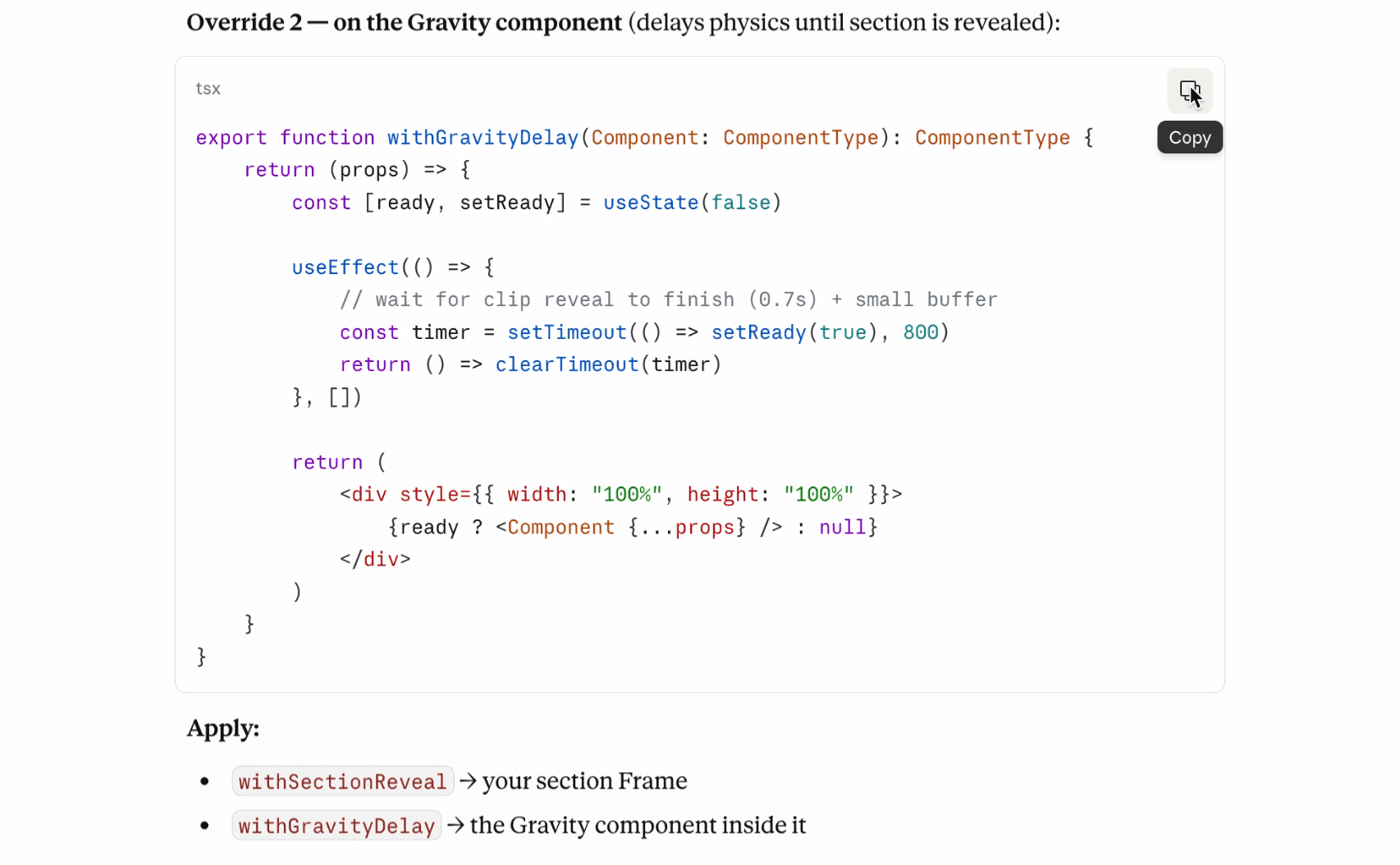
Framer's Workshop offered Claude. Once I figured out I could prompt it to add editable property controls, I could iterate precisely what I had in mind without touching the code. That was the win.

I used Framer's Workshop for editing component logic. The win: Realising I could prompt Claude to expose an editable property.

I used Framer's Workshop for editing component logic. The win: Realising I could prompt Claude to expose an editable property.

I create or adjust ready-made components and copy code from Claude to Framer.

I create or adjust ready-made components and copy code from Claude to Framer.

As the site grew, so did the use. Now I work with Claude directly: building and editing components and handling site logic. Figma is still fastest for aesthetics and Framer to structure my vision. Claude I use for animations, interactions, anything code can do. I may pull those off manually, but when they need adjustments at multiple levels, Claude is just great. It hands me components and code ready to drop into Framer.

04 — on AI and intention

AI and choosing my battles

An open prompt can give interesting results, but an intentional one with a specific goal risks nonsense. To use AI with purpose, I pull from my art direction experience: discerning and articulating the specific nuances like textures, lighting, or subtext to make an outcome extraordinary. Knowing when to reach for AI, which model to use, and when to let go—that’s where it hits different.
03 — Where AI earned its place

Tool dead-ends and one win

I initially looked at Figma’s site builder as a way to turn my designs into code, but I rejected it without a blink. It didn't support custom fonts, and that's a no-go for a typo-nerd. Also, I tried Figma Make for animated assets. I prompted with components that had prototyped properties, and still, it couldn't deliver. The AI in Figma felt more like an add-on than an integrated tool.

Framer's Workshop offered Claude. Once I figured out I could prompt it to add editable property controls, I could iterate precisely what I had in mind without touching the code. That was the win.

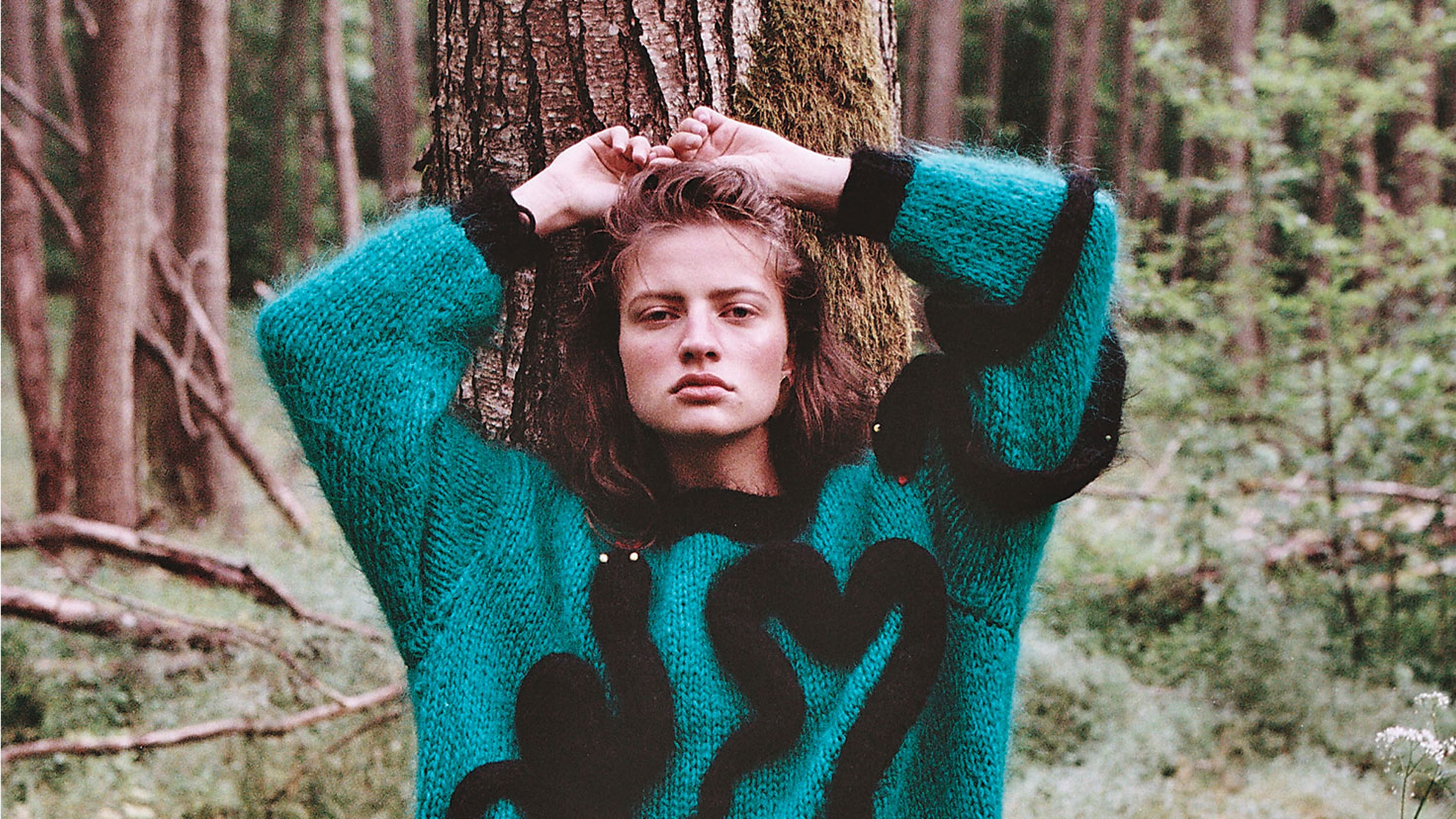
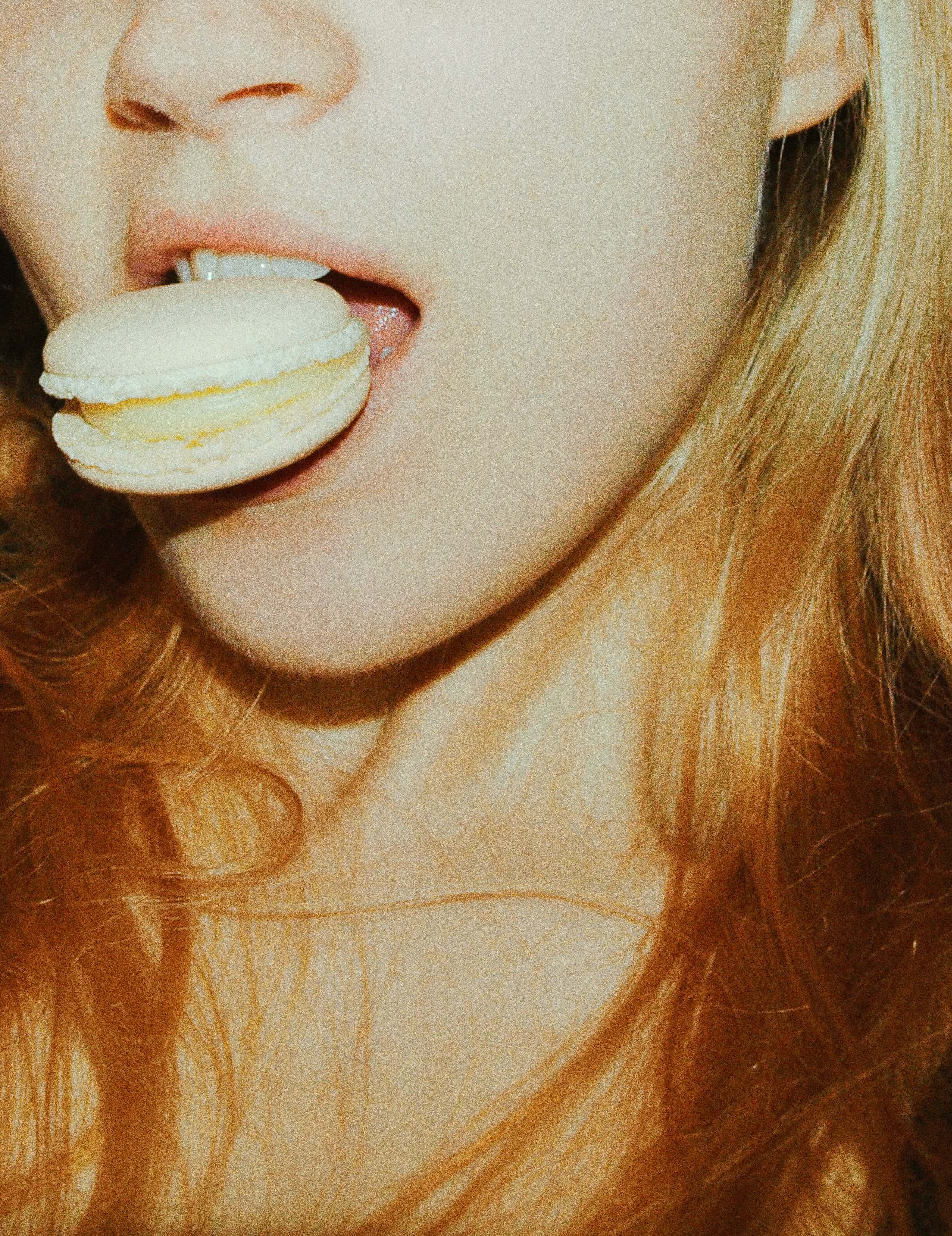
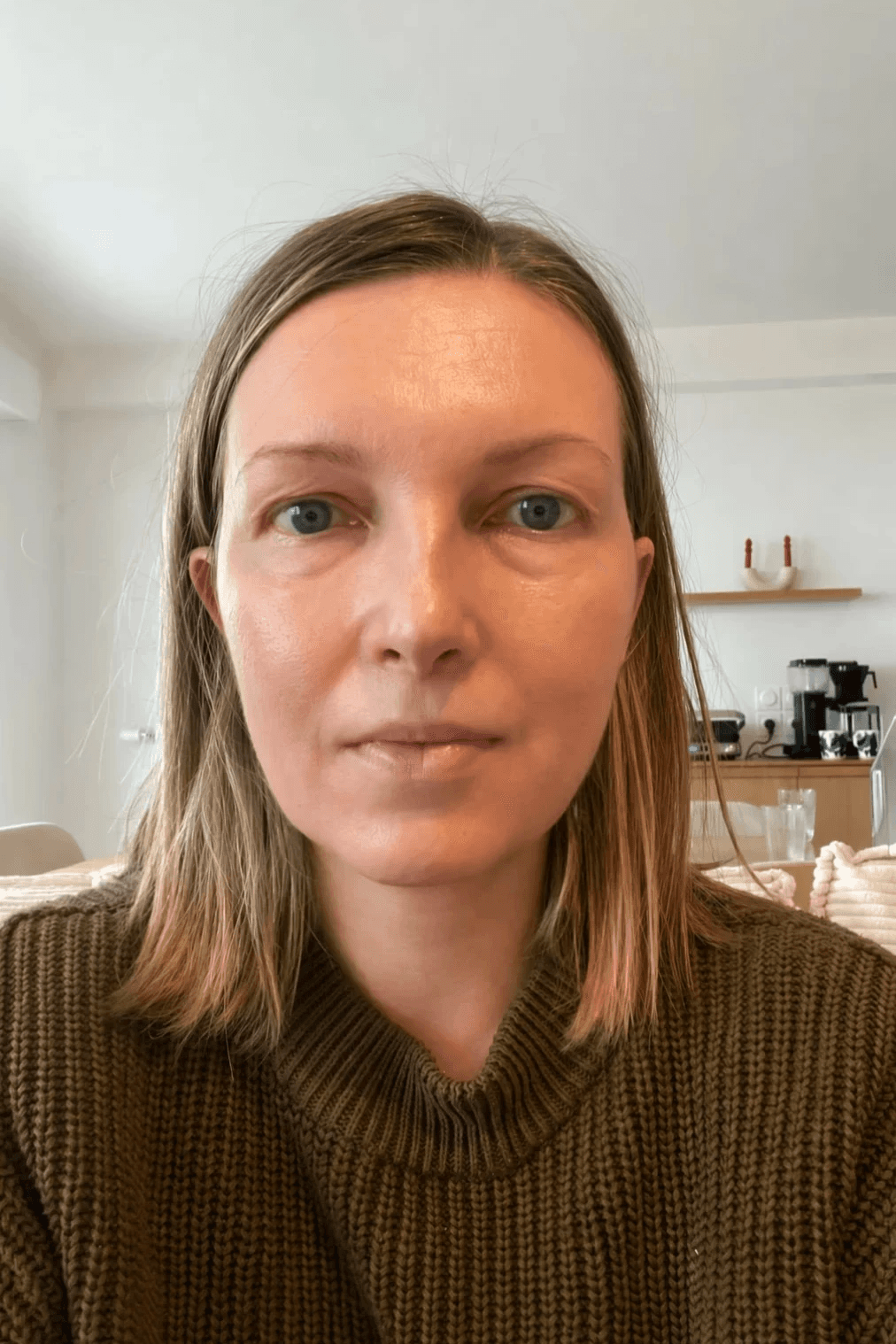
The source material. Selfie. (I feel a bit naked to publish this no-makeup, no flattering angle picture.)

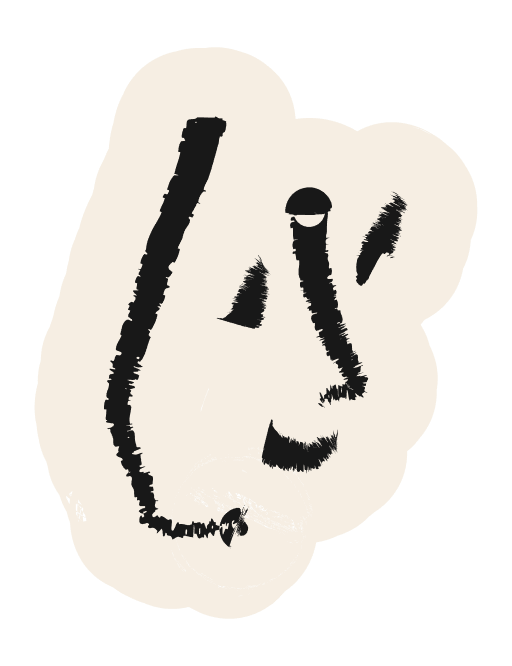
Create an abstract piece of art and use the headshot provided. In the image, the woman's head is in a white papier mâché vase, so the chin is the first part that shows out. The woman has natural yet impeccable makeup and red lips. The image is a close-up portrait, her face softly illuminated by light, captured with the timeless charm of a film camera. The image has a natural, grainy texture with subtle light leaks that bleed across the frame, adding a nostalgic and ethereal touch.

Create an abstract piece of art and use the headshot provided. In the image, the woman's head is in a white papier mâché vase, so the chin is the first part that shows out. The woman has natural yet impeccable makeup and red lips. The image is a close-up portrait, her face softly illuminated by light, captured with the timeless charm of a film camera. The image has a natural, grainy texture with subtle light leaks that bleed across the frame, adding a nostalgic and ethereal touch.

That's a different person, to start with. Too much poetry, not enough direction.

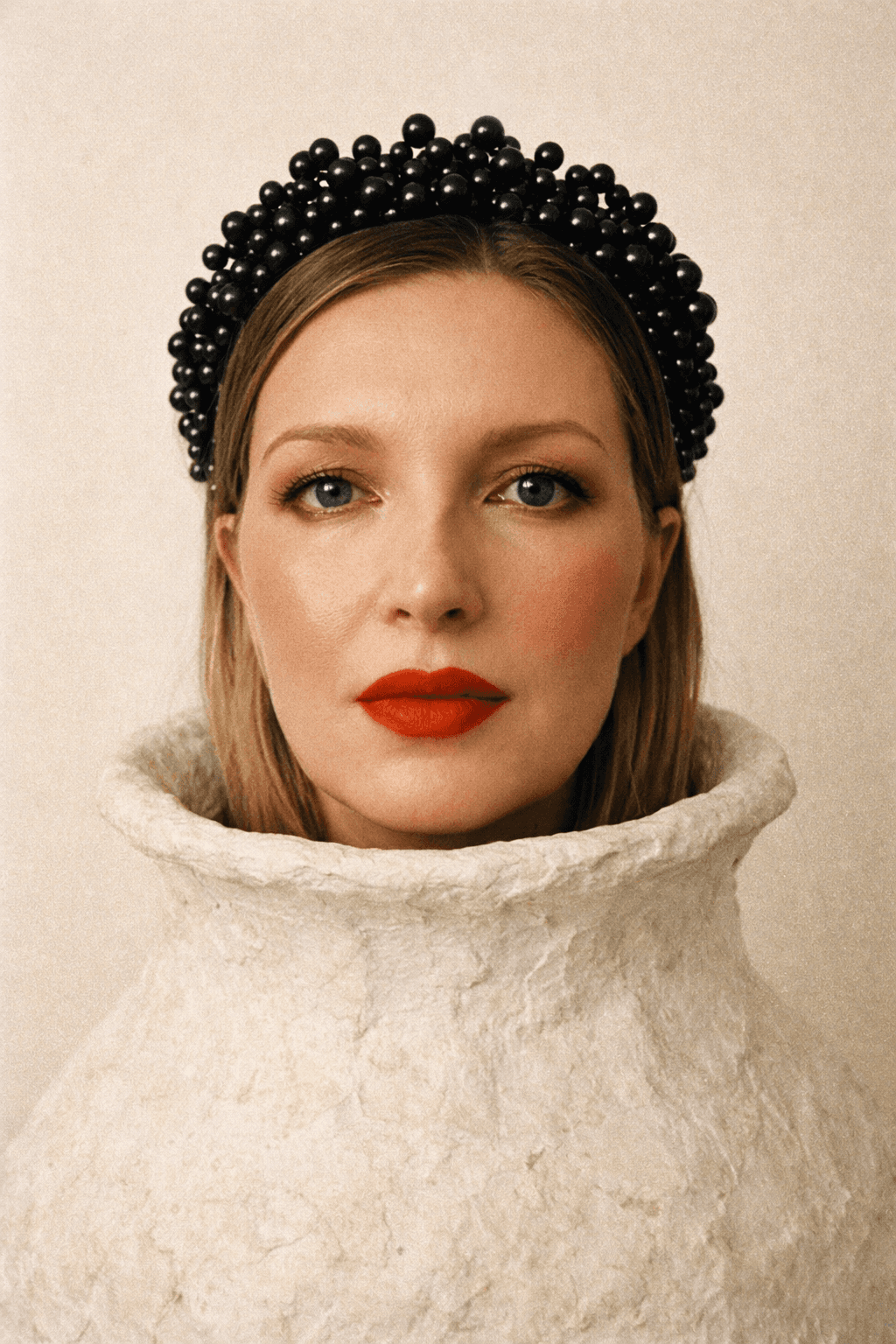
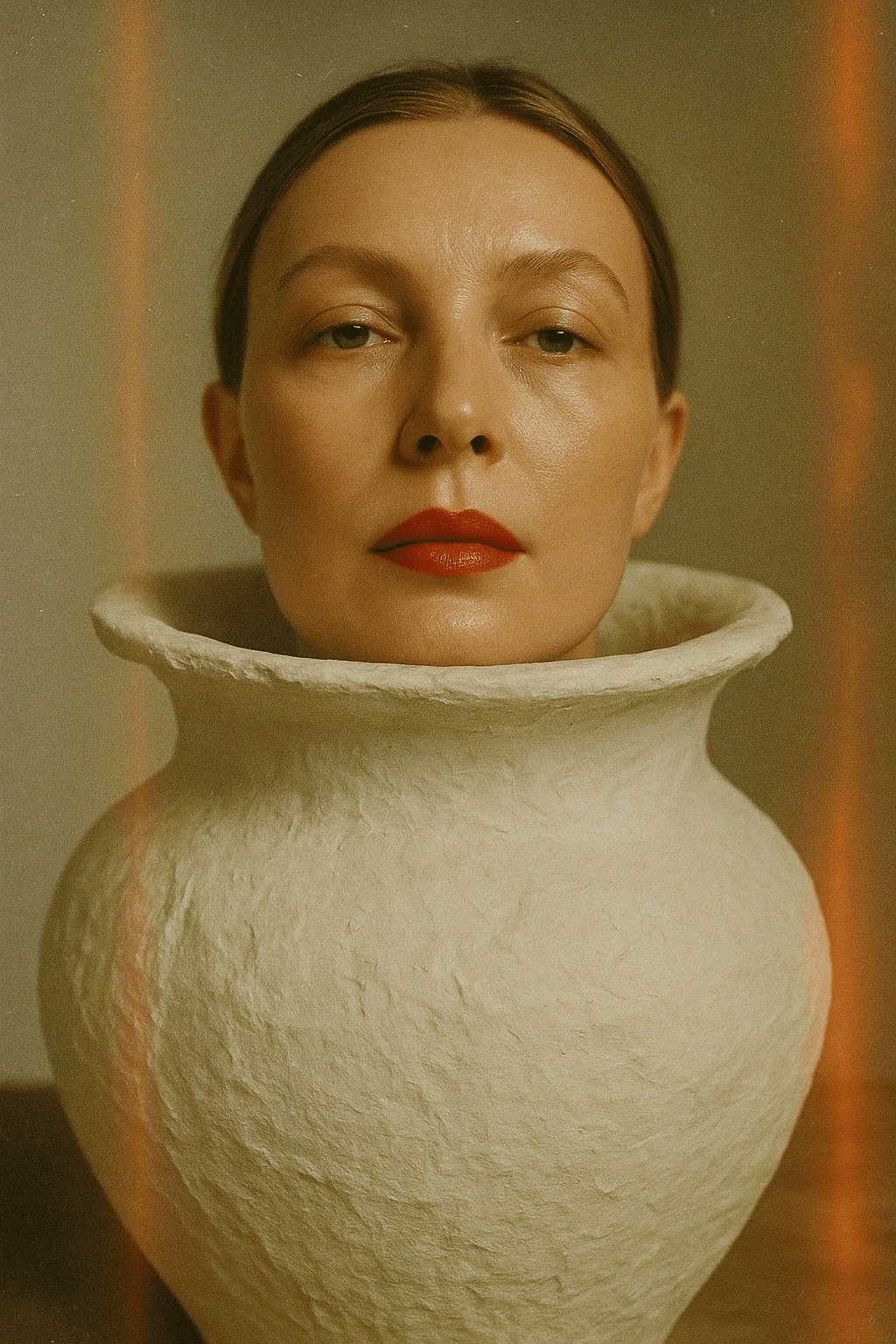
Create a scene around the face: a papier mâché vase around the neck so that it looks like the head is coming from it. Orangey-red lipstick and flattering blush - do very fashionable makeup. Create a crown around the head; perhaps from black pearls. Blank, off-white background. Make it look a Fujifilm image, style early 90’s.

Create a scene around the face: a papier mâché vase around the neck so that it looks like the head is coming from it. Orangey-red lipstick and flattering blush - do very fashionable makeup. Create a crown around the head; perhaps from black pearls. Blank, off-white background. Make it look a Fujifilm image, style early 90’s.

That's me! Nailed it with "Create a scene around the face". Specific vocabulary: Fujifilm early 90s, black pearl crown

That's a different person, to start with. Too much poetry, not enough direction.

That's me! Nailed it with "Create a scene around the face". Specific vocabulary: Fujifilm early 90s, black pearl crown

Create an abstract piece of art and use the headshot provided. In the image, the woman's head is in a white papier mâché vase, so the chin is the first part that shows out. The woman has natural yet impeccable makeup and red lips. The image is a close-up portrait, her face softly illuminated by light, captured with the timeless charm of a film camera. The image has a natural, grainy texture with subtle light leaks that bleed across the frame, adding a nostalgic and ethereal touch.

Create a scene around the face: a papier mâché vase around the neck so that it looks like the head is coming from it. Orangey-red lipstick and flattering blush - do very fashionable makeup. Create a crown around the head; perhaps from black pearls. Blank, off-white background. Make it look a Fujifilm image, style early 90’s.

The source material. Selfie.
(I feel a bit naked to publish this no-makeup, no flattering angle picture.)

ai

&

me

:

the

Practice

Prompting art direction is much like creative briefing: I need to find a shared language. A colleague reads intent, but AI requires technical authority. I use professional vocabulary as a precision lever: corner radius instead of 'rounded,' Fujifilm early 90s instead of 'vintage.' The direction is more wins and fewer battles.
It’s note-taking all the way. Experience, story or campaign —
I ask: Is it honest? Does it add value? Will people want in?
It’s note-taking all the way. Experience, story or campaign
I ask: Is it honest? Does it add value? Will people want in?

Structure

Thinking out loud. Organising a flow, plan and clarifying my thoughts. Yet I haven't given up writing lists.

Execution

Briefing with specs and references. The same way I'd direct a shoot, or hand off to a dev.

Validate & push back

Does this work? Is there a reason not to? I model-jump for a second opinion. Roast me, baby.